Mapping life in Norway c. 1910
Case-study 6: Mapping
This assignment explores both the 1910 Norwegian census and the newspapers published in Norway during that year. The aim is to be able to map the information contained in those sources. In the process, we will also practice the crucial skill of “cleaning” data, that is, making it ready for subsequent analyses.
Question 1
Census are a crucial source of information about the demographic and socio-economic characteristics of the society performing the enumeration. The image below provides a sample of the 1910 Norwegian census. Organised by households, it includes name and surname, sex, age, place of birth and residence, marital status, occupation and religion, among other information. Many other details can also be inferred, such as the position in the household or the number (and type) of people residing in each household. You can, for instance, count how many children were residing with the family. This information has been digitised in full by the Norwegian Historical Data Center hosted at UiT. You can find the a curated version of this data set in Blackboard. Given that it is stored as a .txt file, you will need to import it into R using the function read_delim() and specifying the following argument delim = "\t". In total in contains information on the almost 2.5 million people living in Norway at that time.
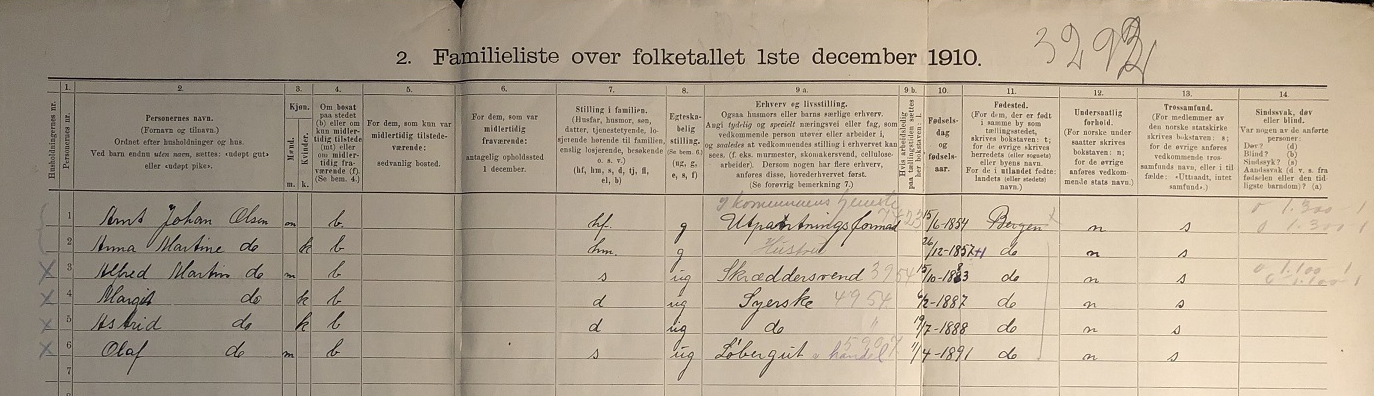
This exercise requires mapping the variation in early marriage in 1910 using municipalities as the unit of analysis. A way to look into early marriage using the census is to compute the percentage of the population aged 16-20 who was married (or widowed). Note that most variables are formated as “string” even when they are numerical, so they need to be formated properly first using as.numeric(). The shapefile containing the Norwegian municipalities at that time can be found in Blackboard.
Question 2
The other source we will be using is the newspapers published in Norway in 1910. The National Biblioteket has gathered thousands of these records. Instead of searching online, we will use the R package dhlabR to directly interact with the corpus. If you have trouble downloading this packages (due to its dependencies), you can use the .csv file with the corpus of newspapers that is in Blackboard.
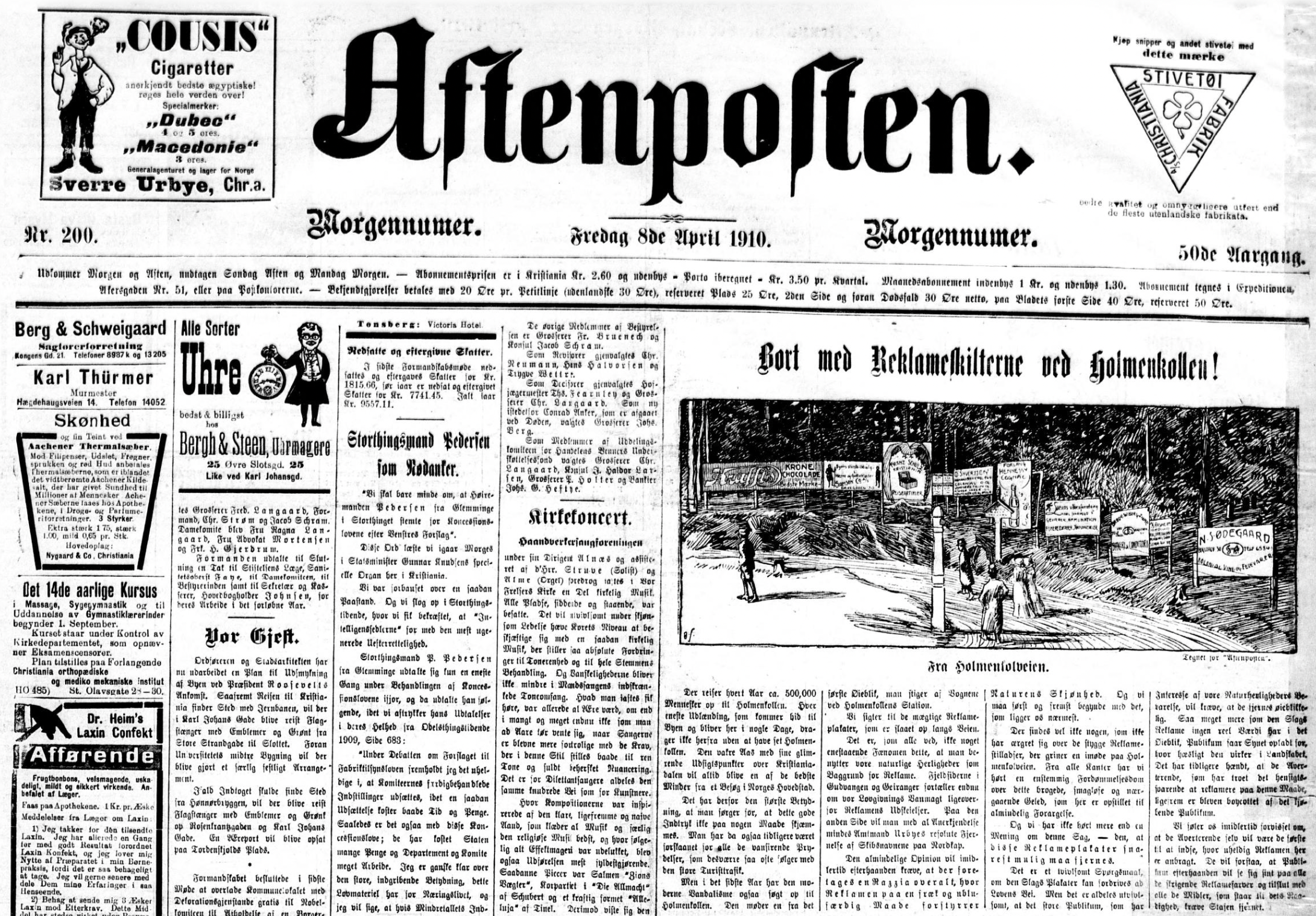
Here, you will map the number of newspapers published in Norway in 1910 according to their place of publication. The corpus of newspapers can be retrieved using the dhlabR package. As well as this source, you will need a spatial object to be able to do the mapping. You can either use an already existing shapefile containing Norwegian locations or use the geocoder package to extract the geographic coordinates that are needed to create such a (point) shapefile.