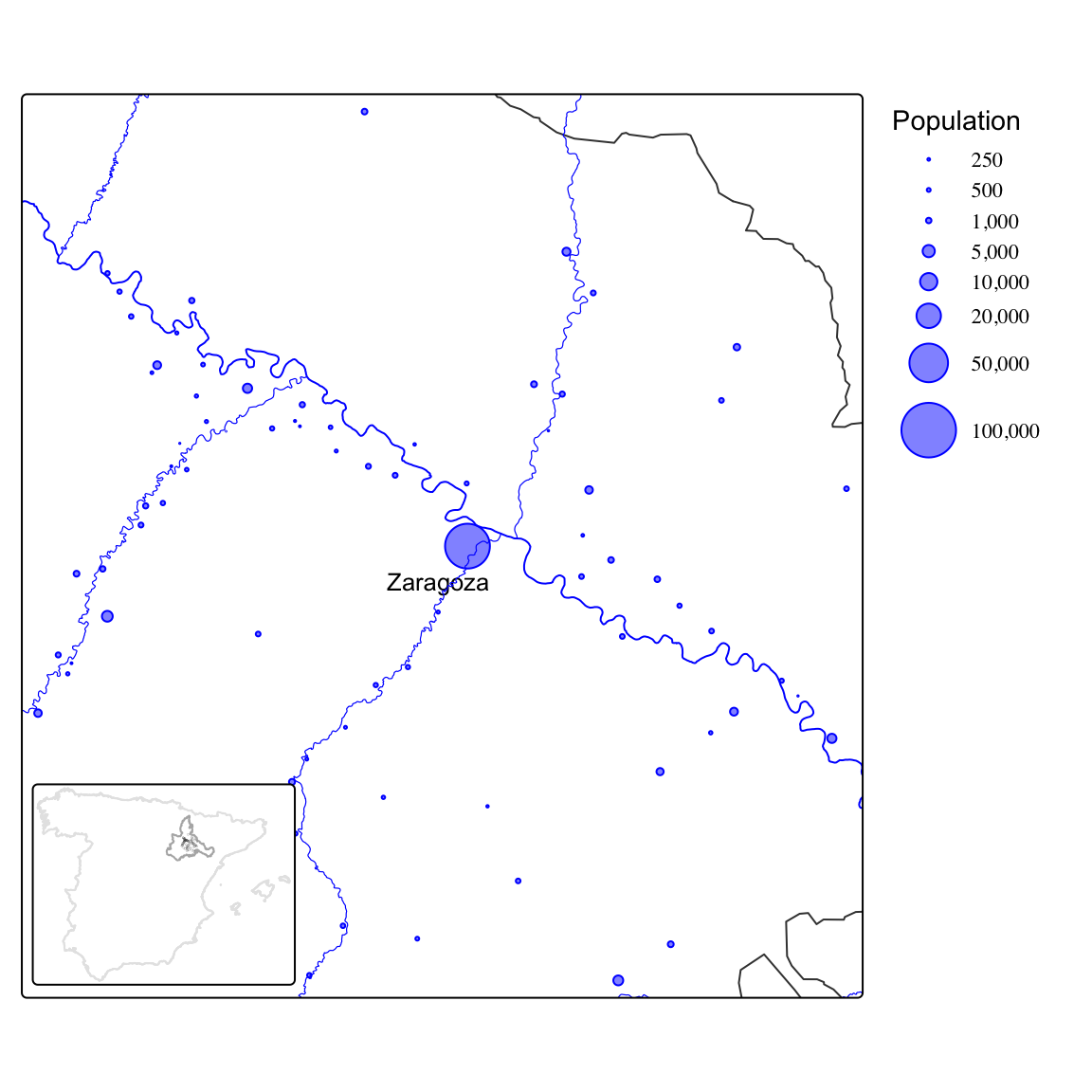
Reading and writing in the past
Case-study 4: Comparing dimensions
We will rely on census data for the province of Zaragoza (Spain) in 1860. The data set we will work with contains the individual records for all the population living in the 70 municipalities within 40 kilometers from the capital city of Zaragoza (see map below). You can download the data here (Beltrán Tapia and Marco-Gracia 2024).
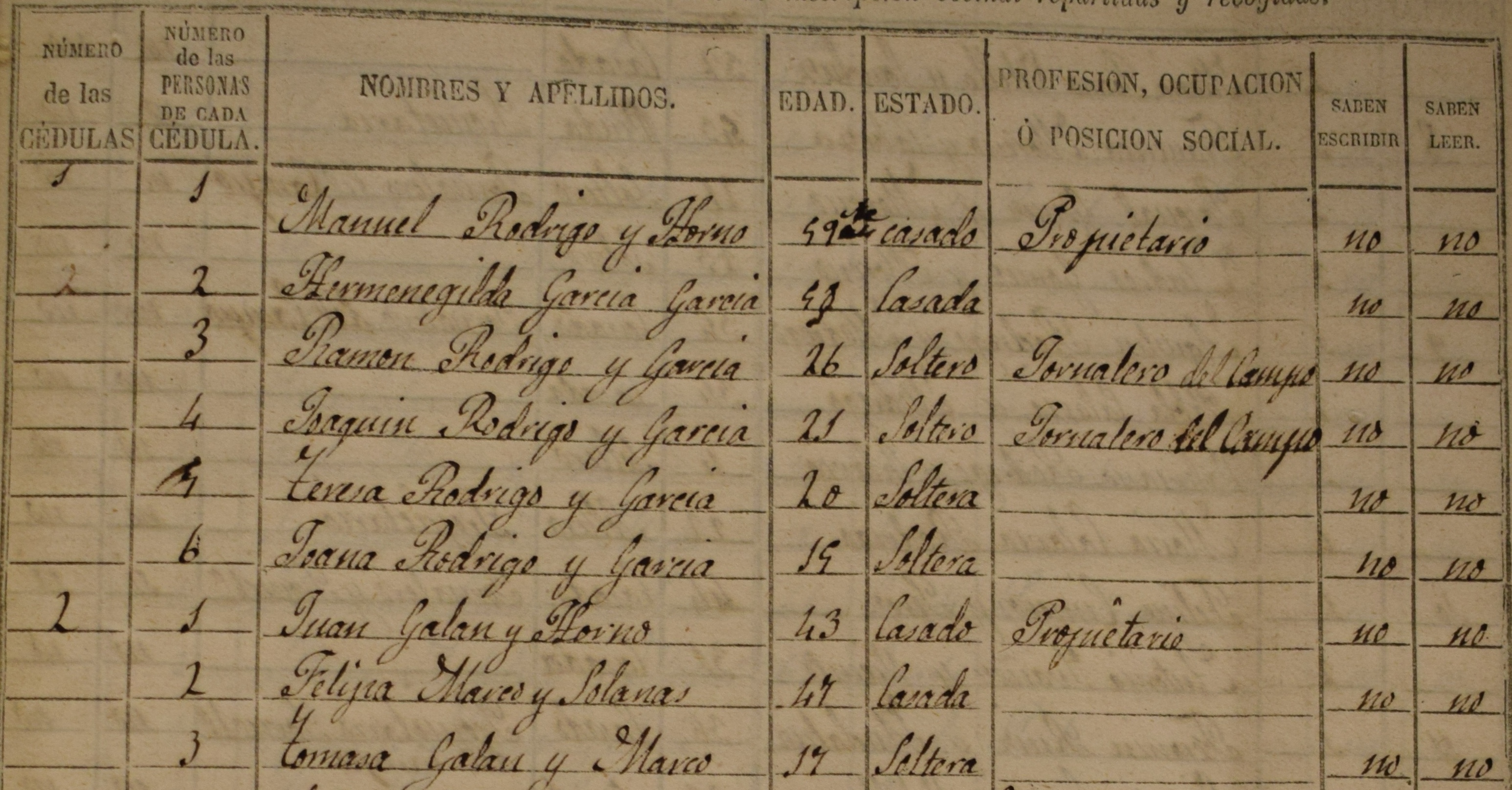
Distribution of the population in the locations studied here.
In total, this data set contains information on 132,500 individuals: name and surname, place of residence, sex, age, marital status, household size, occupation, and so on. Note also that there is a field identifying each family and also who in that family is the father and the mother.
Extract the information requested below and interpret your results. Present your analysis as a PDF file using Quarto and submit it via Blackboard before February 17.
Explore how the data set looks like. How many observations does it contain? What is the unit of analysis? What kind of information does it report about each observation? Get familiar with the data set by using
count()or its visual equivalents:ggplot()plusgeom_bar()for qualitative dimensions orgeom_histogram()for numerical variables. For instance, report how many men and women lived in this area in 1860 and visualise the number of individuals by age. Have a close look at the latter plot: what can you infer from this visualisation about the historical population living in the area under study?Imagine that we are interested in learning more about the educational level of the population. What fraction of the population is able to read and write? This information is contained in the variable write which has two categories: “NO” and “SI” (yes). Distinguish also by sex and socio-economic status. The latter is reported in the field ses (socio-economic status) which classifies each individual into wide occupational categories (their own or that of their parents or closer family members). Use a bar (or column) plot to display these differences.
Let’s continue examining literacy rates but let’s now examine (1) how the literacy rate changed over time, and (2) how literacy rates evolved as children grew older (up to 14 years old). Notice that the source also reports whether children were attending school (school) or not but the coverage of this information is less consistent. Explore also this variable.
Would you characterize this region as rural? How large is the biggest city and the smallest? What is the average settlement size? What about median size? Can you display the distribution of locations by size? Coming back to our original question about education, are there differences in literacy rates between rural and urban areas?
The first question asked about the number of individuals reporting different ages. The phenomenon of age-heaping refers to the tendency of some individuals to round their ages due to their inability to remember their exact age or to count properly.1 Which age-groups tend to age-heap more? Are these individuals also less likely to be literate (able to read and write)?2
1 Age-heaping can also arise from digit preference, that is, the preference for specific numbers in particular cultures.
2 Tip: to identify those individuals who age-heap, you can rely on the operator %%, which returns the remainder after division. Imagine, for instance, two individuals aged 37 and 40. Dividing their ages by 10 yields \(3 \cdot 10 + 7\) and \(4 \cdot 10 + 0\), respectively. By returning the remainder, the operator %% provides the last digit of their age (7 and 0 in this example).
References
Beltrán Tapia, Francisco J., and Francisco J. Marco-Gracia. 2024. “What Was in a Name? Culture, Naming Practices and Literacy in the Past.” CEPR Discussion Paper Series 19625.